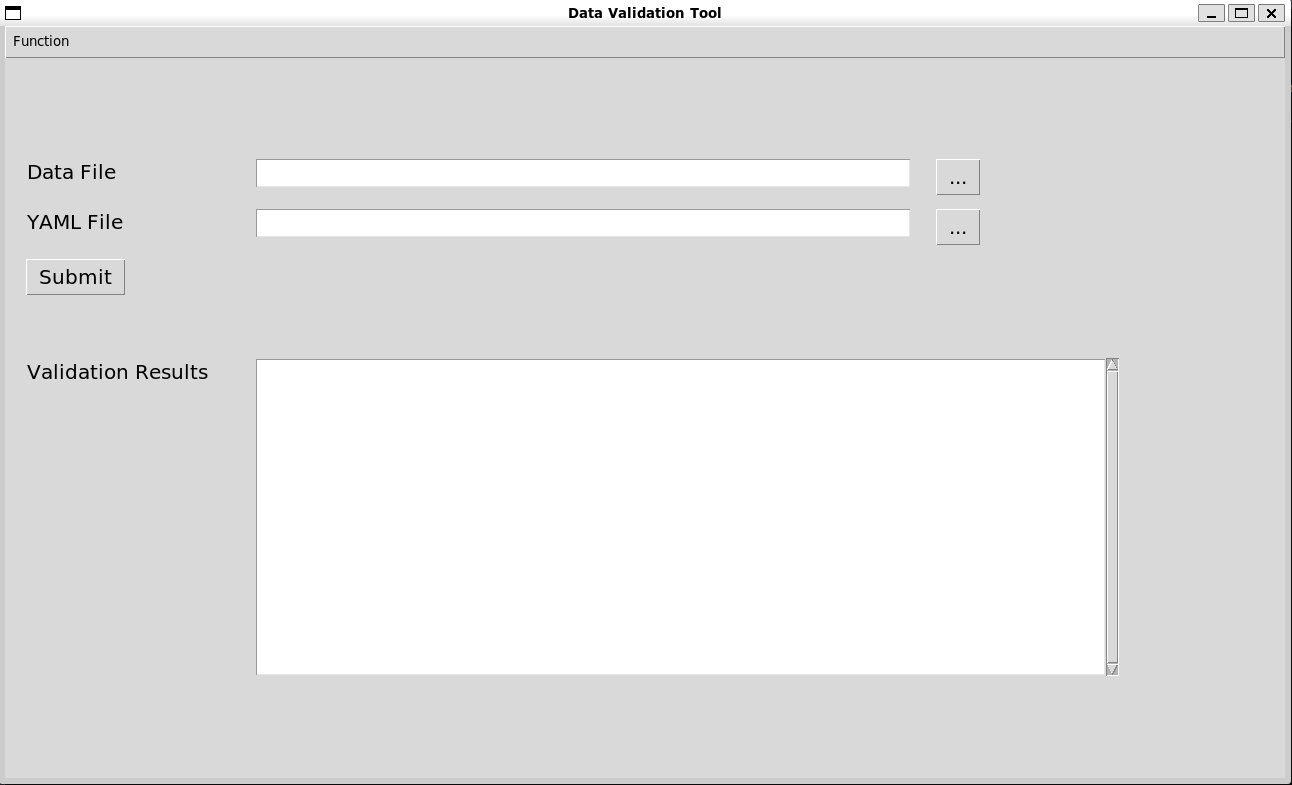
Validate the Dataset#
Validation of dataset specification#
After completing the preparation of the dataset specification, you can use the validate function in the frictionless package to confirm the quality of the dataset. Before checking the dataset file, you need to check the dataset specification for format violations or other errors. If there are errors in the dataset specification, the program will output the error number and output the error details:
from frictionless import validate

data_filename = 'data.csv'
yaml_filename = f'{data_filename}.schema.yaml'
yaml_report = validate(yaml_filename)

if yaml_report.valid:
    # Perform dataset validation
else:
    print('The .yaml file is not valid:')
    error_num = yaml_report.stats['errors']
        for i in range(error_num):
            print(f'{yaml_report.tasks[0].errors[i].title}:\n{yaml_report.tasks[0].errors[i].message}')
Validation of dataset file#
If the dataset specification has no errors, the dataset file validation will begin. The validation method is also to use the validate function in the frictionless package. If there are no errors in the dataset file after validation, There are no errors in the dataset. will be output. Otherwise, the program will print the number of errors and provide details about each error:
from frictionless import validate

data_filename = 'data.csv'
yaml_filename = f'{data_filename}.schema.yaml'

data_report = validate(data_filename, schema=yaml_filename)
error_num = data_report.stats['errors']

if error_num == 0:
    print('There are no errors in the dataset.')
elif error_num == 1:
    print('There is 1 error in the dataset:')
else:
    print(f'There are {error_num} errors in the dataset:')

for i in range(error_num):
    print(f'{data_report.tasks[0].errors[i].title}:\n{data_report.tasks[0].errors[i].message}')